
Carbonite Errors on Mac
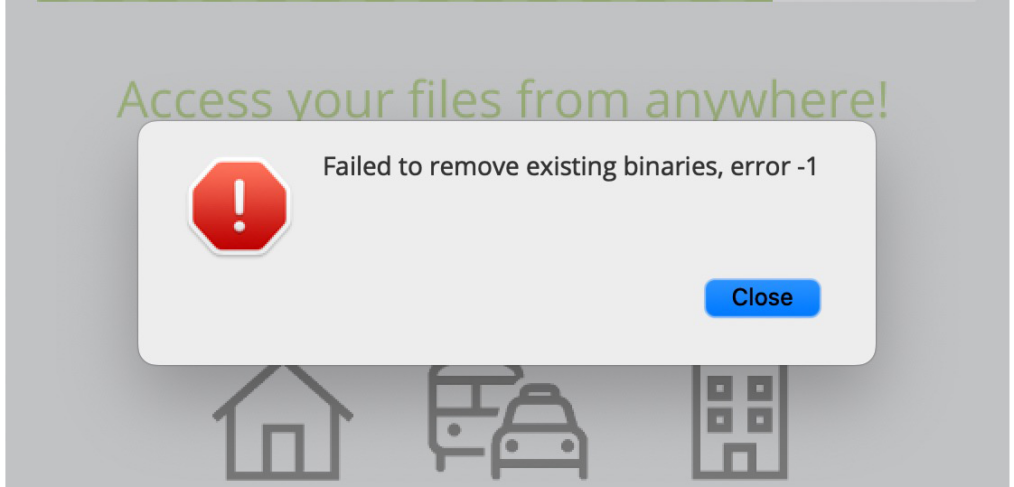
 We recently upgraded our backups on Carbonite to their Plus service. Normally, something like this is quick and easy… but, this upgrade was not as smooth as we hoped. After downloading the Carbonite installer, we repeatedly got an error “Failed to remove existing binaries, error -1” and Carbonite would not launch. I reached out toCarbonite support and they wanted to remote into the computer to check the Carbonite logs.
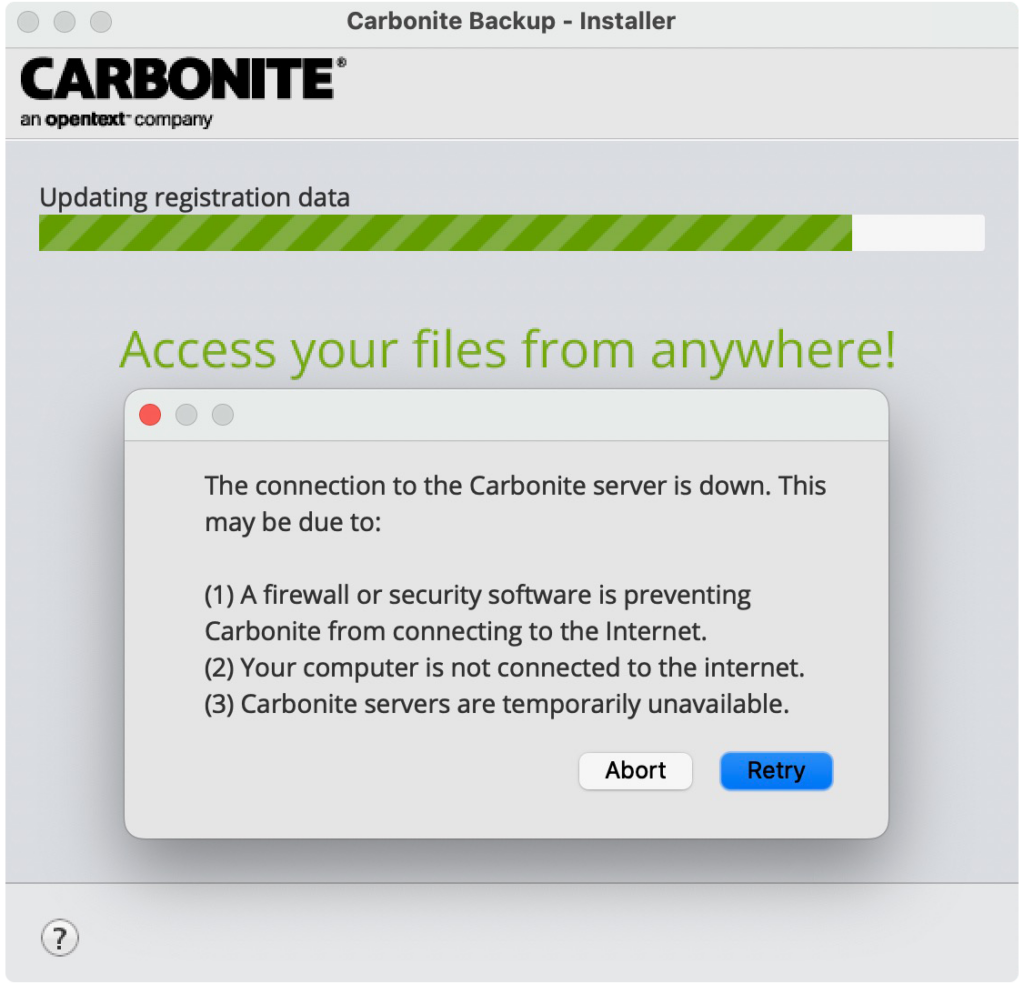
After a few failed attempts to remote connect, I tried restarting and reinstalling which generated a new issue. A popup message indicated that the “The connection to the Carbonite server is down” and gave several reasons for this. Support indicated that this was still my issue, not theirs. I inquired about manually removing Carbonite to start fresh, but they this could only be accomplished if they were able to remote connect and didn’t offer a way to do this without taking the computer to a local service location.
 After my call ended with support and there still was still no resolution to the problem, I restarted and attempt the install one more time, but was back to the original error “Failed to remove existing binaries, error -1”. I decided that there had to be a way to manually remove Carbonite without the built-in uninstall or having to take the computer to a service location. After a bit of searching, I found this article. After removing a collection of files from the Mac Libraries and restarting, I am pleased to share that this resolved the issue and allowed Carbonite to install properly and run normally. If you ever have a similar issue, hopefully this will help you resolve it.